- English
- French
- German
- Portuguese
- Spanish
- Russian
- Japanese
- Korean
- Arabic
- Greek
- German
- Turkish
- Italian
- Danish
- Romanian
- Indonesian
- Czech
- Afrikaans
- Swedish
- Polish
- Basque
- Catalan
- Esperanto
- Hindi
- Lao
- Albanian
- Amharic
- Armenian
- Azerbaijani
- Belarusian
- Bengali
- Bosnian
- Bulgarian
- Cebuano
- Chichewa
- Corsican
- Croatian
- Dutch
- Estonian
- Filipino
- Finnish
- Frisian
- Galician
- Georgian
- Gujarati
- Haitian
- Hausa
- Hawaiian
- Hebrew
- Hmong
- Hungarian
- Icelandic
- Igbo
- Javanese
- Kannada
- Kazakh
- Khmer
- Kurdish
- Kyrgyz
- Latin
- Latvian
- Lithuanian
- Luxembou..
- Macedonian
- Malagasy
- Malay
- Malayalam
- Maltese
- Maori
- Marathi
- Mongolian
- Burmese
- Nepali
- Norwegian
- Pashto
- Persian
- Punjabi
- Serbian
- Sesotho
- Sinhala
- Slovak
- Slovenian
- Somali
- Samoan
- Scots Gaelic
- Shona
- Sindhi
- Sundanese
- Swahili
- Tajik
- Tamil
- Telugu
- Thai
- Ukrainian
- Urdu
- Uzbek
- Vietnamese
- Welsh
- Xhosa
- Yiddish
- Yoruba
- Zulu
How to Adjust the Range and Zero Point of a Rosemount Transmitter Through Self-Configuration
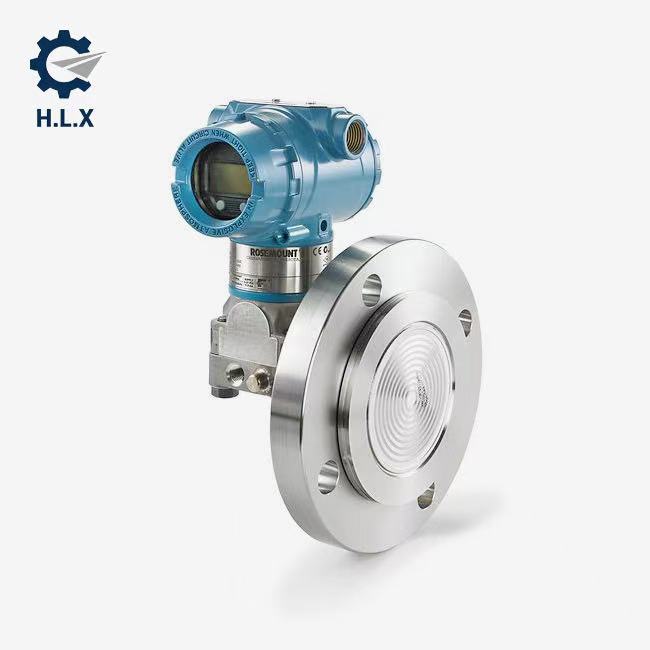
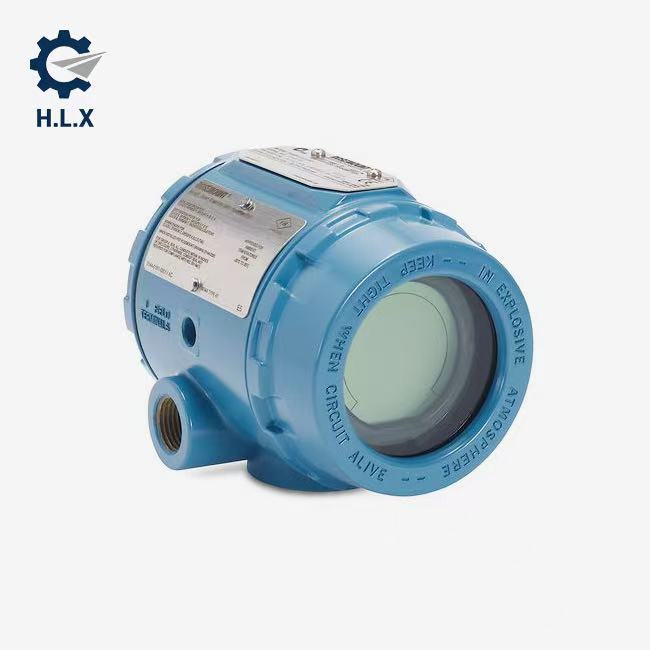
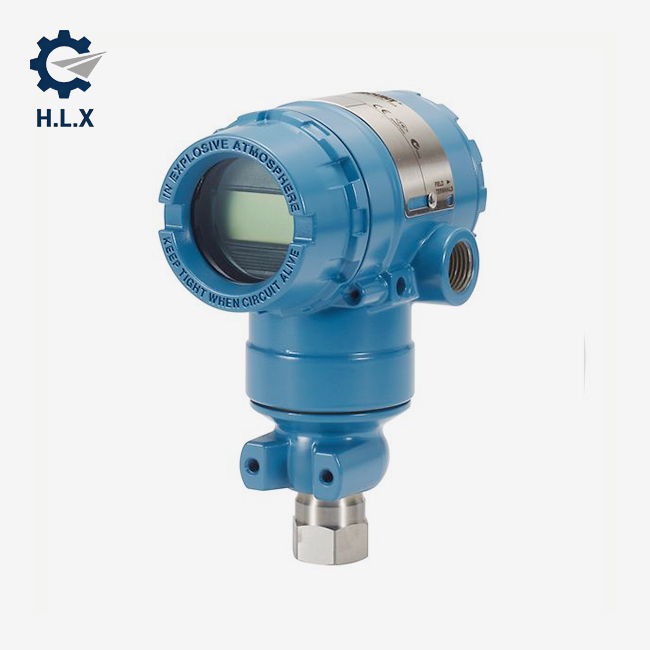
Rosemount transmitters are fully calibrated to the full scale range (i.e., low range value is 0, high range value is the upper limit) at the factory according to user requirements or default settings. If the user needs to reset the range, this can be done through self-configuration on the instrument or with the help of a handheld communicator.
In addition, zero point adjustment is a critical operation designed to compensate for the effects of installation location and pipeline pressure. When performing this adjustment, ensure that the equalizing valve is open and that all liquid-filled branches are filled to the appropriate level.

◉ Zero Point Offset Handling
If the zero point offset is within 3% of the true zero point, follow these steps to perform zero point adjustment on-site using a handheld communicator:
1. First, ensure that the transmitter has reached pressure equilibrium or has been depressurized, and connect the handheld communicator.
2. In the communicator's menu, enter the appropriate shortcut key sequence to access the zero point adjustment interface.
3. Follow the instructions on the interface and use the transmitter's zero point adjustment button to perform the zero point adjustment.
Press and hold the zero point adjustment button for at least two seconds, but no more than ten seconds, to ensure accurate adjustment.
After completing the above steps, the zero point offset should be effectively corrected.
If the zero point offset exceeds 3% of the true zero point, you need to reset the range using the transmitter's zero point adjustment button according to the following guidelines:
If the hardware adjustment function is unavailable, it is recommended to consult the Rosemount 3051S reference manual and reset the range using a handheld communicator.
Our customers’ satisfaction speaks for our quality — contact us to experience the same reliable service.